


Choosing the right software can make a big difference in how a business manages its daily operations. From customer management and accounting to marketing and team collaboration, businesses depend on software to save time and improve productivity.
Today, many companies use cloud-based applications instead of installing and maintaining traditional software. However, with so many options available, finding the right solution can be challenging.
The best SaaS software is not necessarily the one with the most features or the lowest price. It is the one that fits your business requirements, budget, and future goals.
In this guide, you will learn what SaaS software is, what to consider before choosing it, and how to compare different solutions for your business.
What Is SaaS Software?
SaaS stands for Software as a Service. It is a software delivery model in which applications are hosted by a service provider and accessed through the internet, usually with a monthly or annual subscription.
Instead of installing and maintaining software on your own servers, you can sign in through a web browser or application and use its features online. The provider generally manages hosting, maintenance, and software updates.
For example, businesses use Google Workspace for collaboration, Salesforce for customer management, Zoom for online meetings, and cloud-based accounting tools for financial operations.
What Is a SaaS Application?
A SaaS application is software that users access as an online service rather than purchasing and managing a traditional local installation.
Common examples include:
- CRM applications: Manage customer information and sales activities.
- Accounting applications: Handle invoices, expenses, and financial records.
- Project management apps: Organise tasks, deadlines, and team activities.
- Communication apps: Support messaging, video meetings, and file sharing.
- Marketing applications: Manage email campaigns and marketing activities.
Understanding the SaaS meaning in software helps you identify the type of solution your business needs before comparing providers.
8 Factors to Consider When Choosing SaaS Software
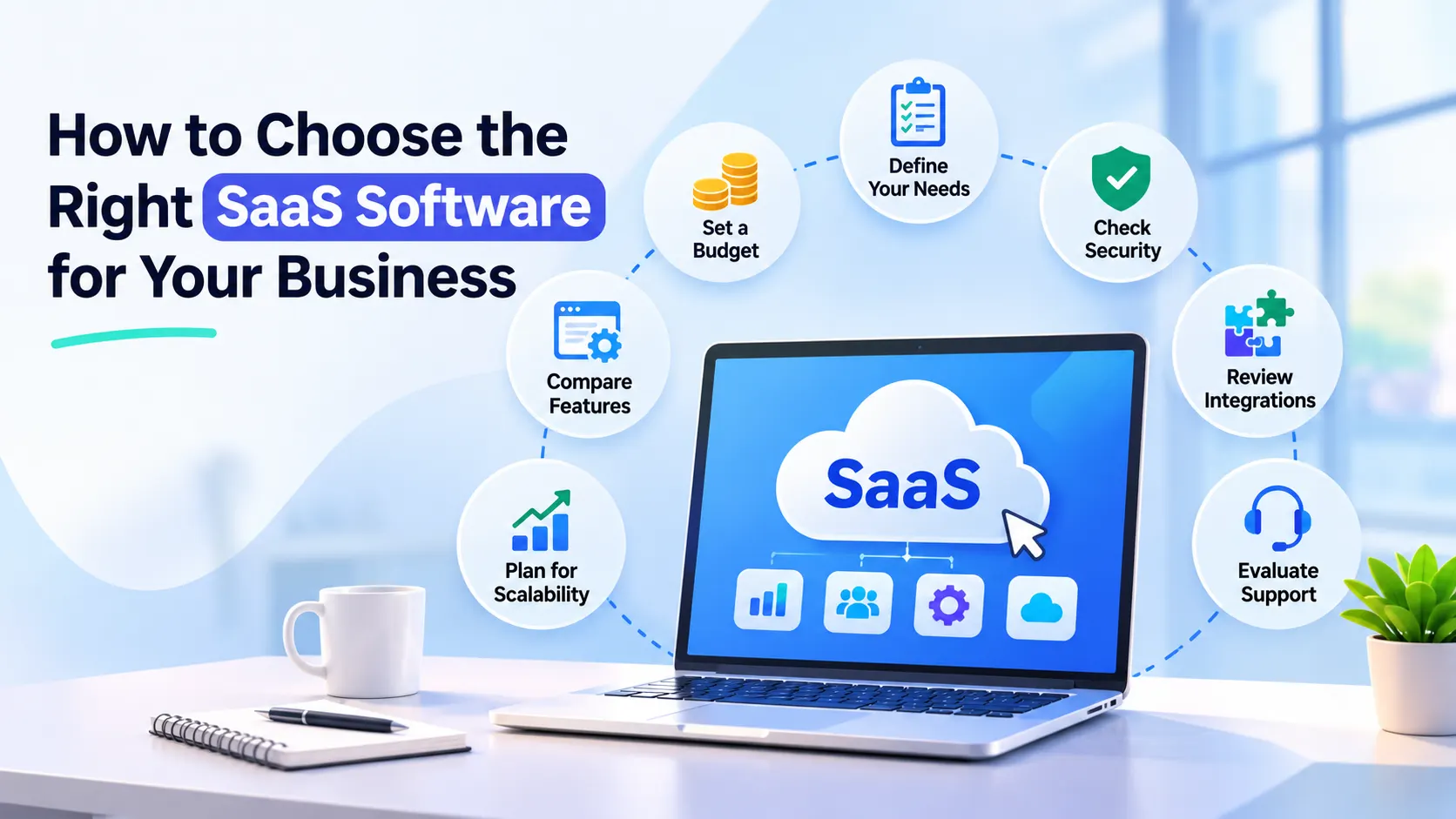
Before subscribing to any platform, evaluate these eight important factors.
1. Identify Your Business Requirements
Start by identifying the problem you want the software to solve. Do not choose an application simply because it offers many features.
Ask yourself:
- Which business task needs improvement?
- Who will use the software?
- Which features are essential?
- What problems are you trying to reduce?
For example, if your sales team struggles to track customer enquiries, a CRM application may be more useful than a general project management tool.
2. Set a Realistic Budget
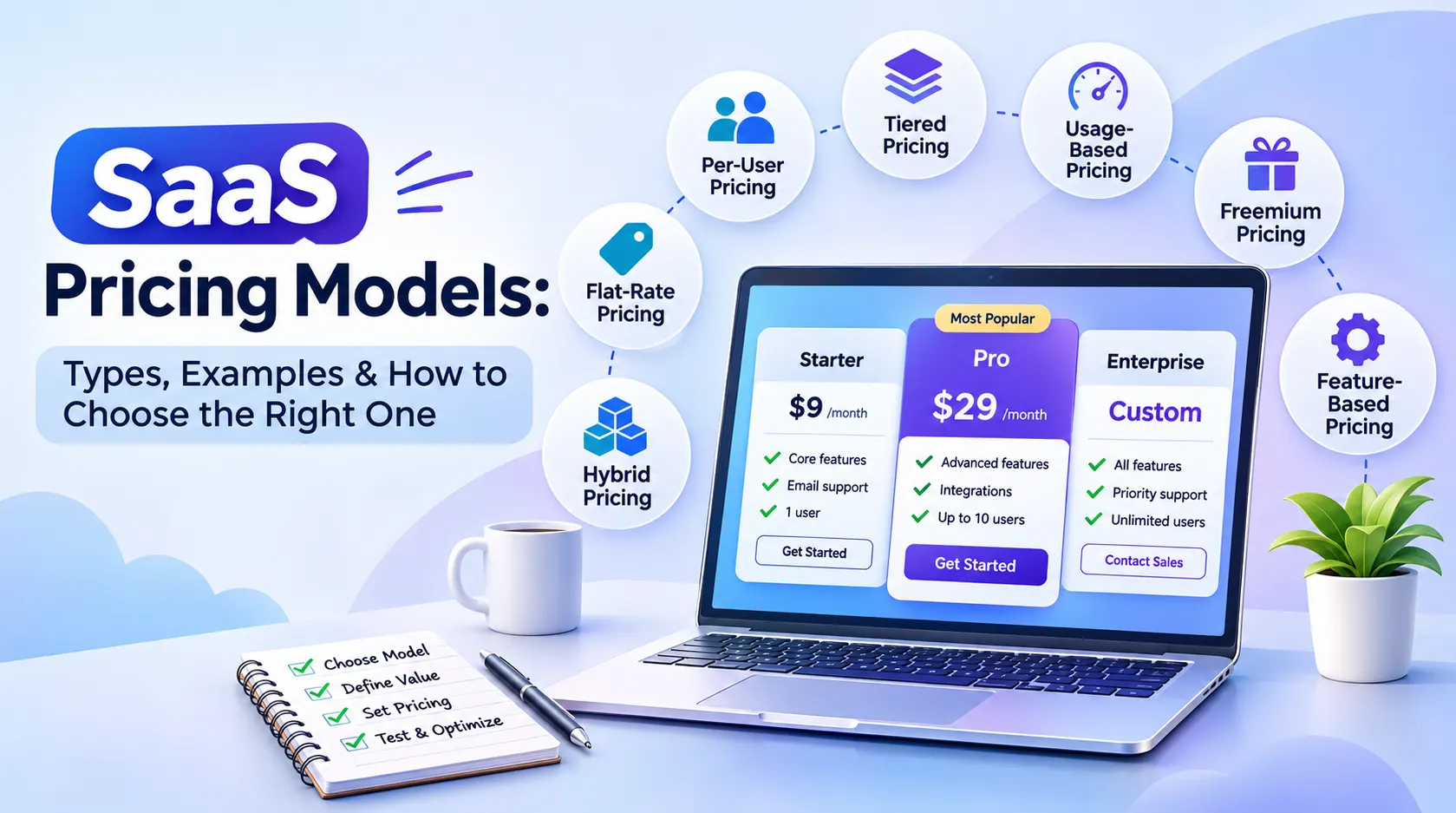
SaaS applications commonly use subscription-based pricing. However, the advertised starting price may not represent the total cost.
Before choosing a plan, check:
- Monthly and annual subscription fees.
- Additional charges for extra users.
- Premium features and storage limits.
- Setup, migration, and training costs.
- Renewal and cancellation conditions.
Choose a solution that provides the features you need without creating unnecessary expenses.
3. Check Features and Ease of Use
The software should be simple enough for your team to use regularly. A platform with advanced features may not be valuable if employees find it difficult to understand.
Look for an easy-to-use interface, clear navigation, useful automation, and features that support your daily workflows.
For example, an accounting application should make common tasks such as creating invoices, tracking expenses, and viewing reports straightforward.
4. Review Security and Data Privacy
Businesses often store customer details, financial records, and other important information in SaaS applications. Therefore, security should be a priority.
Before selecting a provider, review:
- Data encryption during storage and transmission.
- Two-factor authentication.
- User permissions and access controls.
- Backup and recovery policies.
- Data privacy and compliance practices.
Also understand who is responsible for managing account security and protecting the information you store in the application.
5. Check Integration Capabilities
Your SaaS software should work smoothly with the tools your business already uses.
For example, a CRM may need to connect with email marketing software, communication platforms, or customer support tools.
Good integration capabilities can reduce manual data entry, avoid duplicate records, and make everyday workflows more efficient.
Check whether the provider offers built-in integrations or API support for your existing applications.
6. Consider Scalability and Future Growth
Your business requirements may change as your team grows. The software you select today should be able to support those changes.
Check whether you can add users, increase storage, upgrade features, or change subscription plans without moving to an entirely different platform.
Also review how pricing changes as your usage increases. A solution that fits your current budget may become expensive when your business expands.
7. Evaluate Customer Support and Updates
Reliable customer support can make a difference when you face technical problems or need help using a feature.
Before subscribing, check the available support channels, response times, documentation, tutorials, and training resources.
You should also understand how frequently the provider updates its software and communicates important changes.
8. Check Data Export and Migration Options
Your business should not become completely dependent on one software provider.
Check whether you can export your data in commonly usable formats and transfer it to another platform if required.
Understand the provider’s cancellation policy, data retention period, and migration support before committing to a long-term subscription.
How to Test and Compare Different SaaS Apps
Once you have identified your requirements, shortlist two or three suitable SaaS apps instead of comparing every available product.
If free trials or demonstrations are available, test the shortlisted applications using realistic business tasks.
During testing:
- Use actual or sample business data.
- Ask employees who will use the software to test it.
- Check important features and integrations.
- Test performance on desktop and mobile devices.
- Review the support experience.
- Compare the overall cost and available plans.
You can also use a comparison table to make the final decision.
| Evaluation factor | SaaS Tool A | SaaS Tool B |
| Required features | Yes/No | Yes/No |
| Pricing | Within budget? | Within budget? |
| Ease of use | Good/Needs improvement | Good/Needs improvement |
| Security | Meets requirements? | Meets requirements? |
| Integrations | Available? | Available? |
| Scalability | Suitable? | Suitable? |
| Customer support | Satisfactory? | Satisfactory? |
Choose the application that meets your essential requirements and offers the best overall value.
Common Mistakes to Avoid When Choosing SaaS Software
Even a well-known application may not be suitable for your business. Avoid these common mistakes:
- Choosing only by price: A cheap subscription may lack important features or support.
- Ignoring security: Always review how the provider protects business information.
- Buying unnecessary features: Avoid paying for tools your team will rarely use.
- Skipping the trial: Testing helps identify usability and performance problems.
- Ignoring integrations: Poor compatibility can create additional manual work.
- Not planning for growth: Check future user limits, storage, and pricing.
- Overlooking cancellation terms: Understand how to retrieve your data and leave the service.
SaaS Software Selection Checklist
Before making your final decision, use this quick checklist:
- The software solves a specific business problem.
- Its subscription fits my budget.
- It includes all essential features.
- My team can use it comfortably.
- Its security and privacy practices meet my requirements.
- It integrates with my existing tools.
- It can support future business growth.
- Customer support is available.
- Data export and cancellation policies are clear.
- I have tested the application before subscribing.
Frequently Asked Questions
1. What is SaaS software in simple words?
SaaS software is an online application that users access through the internet, usually by paying a subscription. The provider manages the software hosting and maintenance.
2. What is a SaaS application example?
Google Workspace, Salesforce, Slack, Zoom, and Dropbox are common examples of SaaS applications used for business communication, collaboration, customer management, and file storage.
3. What are the most important factors when choosing SaaS software?
The most important factors include business requirements, pricing, features, ease of use, security, integrations, scalability, and customer support.
4. Is SaaS software suitable for small businesses?
Yes. SaaS can help small businesses access useful applications without managing their own software infrastructure. However, they should compare subscription costs and features before choosing a provider.
5. How do I know if a SaaS application is secure?
Review its encryption practices, authentication options, access controls, backup policies, privacy terms, and relevant security certifications. Ask the provider for clarification if important information is unavailable.